Let it roll.
Find a clear view of the court. Start recording, or bring a match you already filmed.
 Private studio ↗
The shot you nailed. The one you didn’t.
The “you had to be there.”
Now you can be. Again.
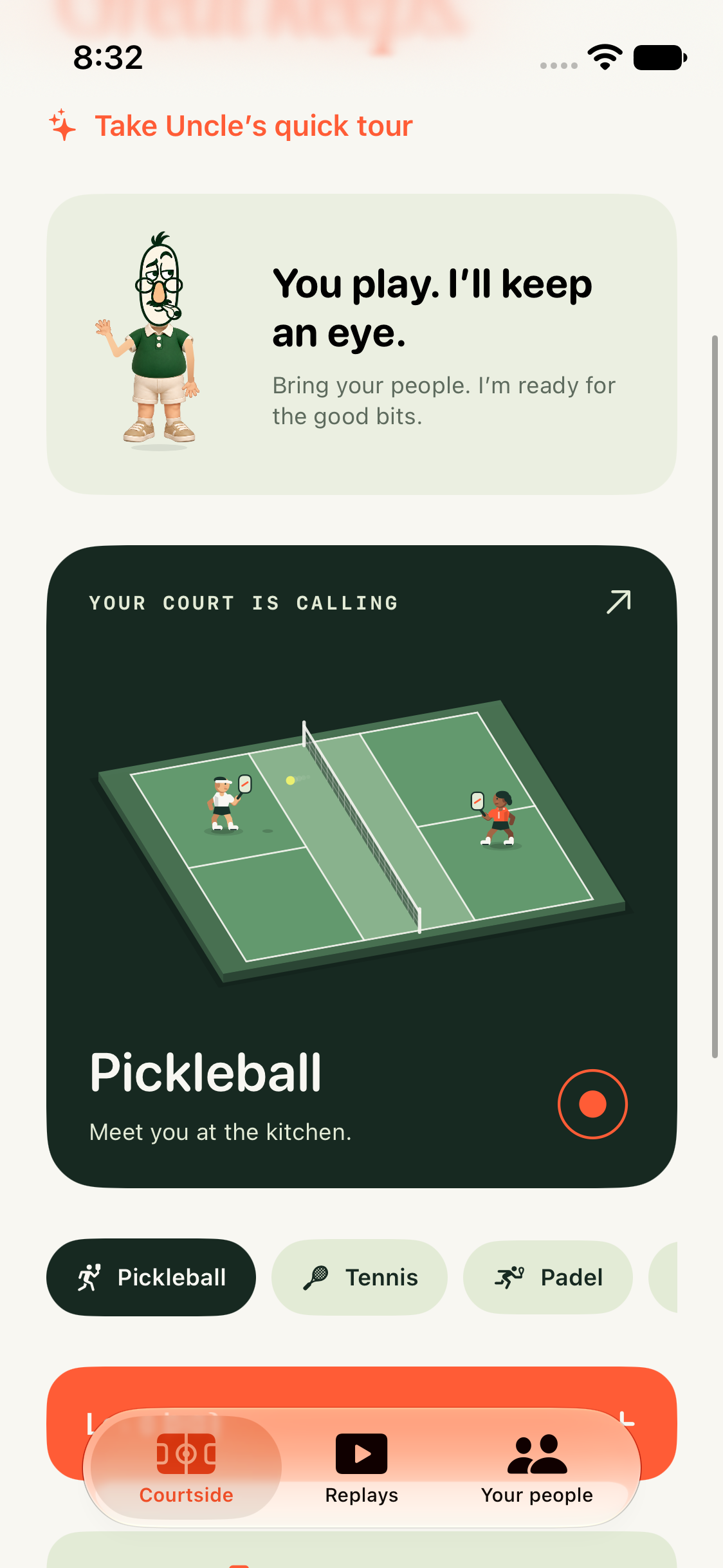
 A LITTLE LOOK AT THE iOS BETA ↗
Long rallies. Impossible angles.
The one you’ll want to see again.
We’re here for the weekend players.
The one-more-game people.
The friends who keep showing up.
A little less fiddling with footage.
A little more “run that back.”
Record your match. Mark a moment.
Give it a title. Make it yours.
Recorded footage: “Pickleball game” · Victor Jehovskiy · CC BY 3.0. Trimmed, resized, muted; caption overlay added. No endorsement implied.
Find a clear view of the court. Start recording, or bring a match you already filmed.
You choose the moments. Add your words, trim the edges and slow things down.
Export a video you can keep, download and share. The original stays yours.
Made for the game you actually play.
And the people you play it with.

Save player names in the iOS beta, then bring your regular crew into the next match.
The iOS beta links nearby phones for local recording and angle transfer. Two-phone court testing is still in progress.
Optional beeps, haptics and cooling guidance in the iOS beta. Tracking work pauses at high heat while recording continues when iOS permits.
Your chosen videos stay in this browser. Export the ones you want to keep. The native beta keeps recordings on your phone.
Feature illustrations. Native camera crew and thermal behavior still need physical-device qualification. Browser studio and iOS beta are separate experiences.
Uncle Ref is in beta. The browser studio is available to invited testers with private beta credentials. The iOS app is being tested for the court.
Open private studio ↗Your footage. Your choice of moments. No made-up scores.
You confirm points and select highlights. Automatic winners, line calls and a 99% accuracy claim aren’t part of this beta.
Meet the product ↗Invited testers can open the studio with private beta credentials, then enable a camera, load a real pickleball demo with local player detection, or import your own video. Mark moments, add animated text and export. Native iOS installation is a separate beta process; there is no public App Store download yet.
The native beta stores recordings locally. The web studio processes your chosen files in your browser; opening or reloading this hosted site requires an internet connection. Download exported highlights before clearing browser data.
You confirm the score. Player detection is available in the browser pickleball demo, but automatic scoring, line calls and automatic best-shot selection are not enabled. You review and select the highlights.
You can manually record and edit supported sports footage. The iOS beta has sport-specific setup. The five illustrated worlds above are a celebration of those games, not evidence of five qualified detection models.
The browser beta is free for invited testers. The current iOS beta keeps its features open while we test. A Free and Pro structure is in development; public pricing and paid availability have not been announced.